1


Stay in Touch
Get the latest updates, special offers, and exclusive Cinchy perks straight to your inbox.


Jl. Plawa No.50, Seminyak, Kec. Kuta, Kabupaten Badung, Bali 80361

CALL US 24/7
(+62-851-7424-6249)
Copied!

We’re Here
Everyday
8:30 AM-9 PM WITA




Payment Partners


© 2026 CINCHY. ALL RIGHTS RESERVED.
Cinchy Blog / How to Open Honda PCX Seat During Rent This Scooter in Bali
Published: 11 Feb 2026

By Syahrial Maulana Sudarto
Travel Enthusiast
If you want to explore Bali’s beauty and culture easily, a scooter is one of the best choices to do that.
And if you've opted for the comfortable and stylish Honda PCX from a trusted rental like Cinchy, you've made an excellent choice, considering its big and comfy figure.
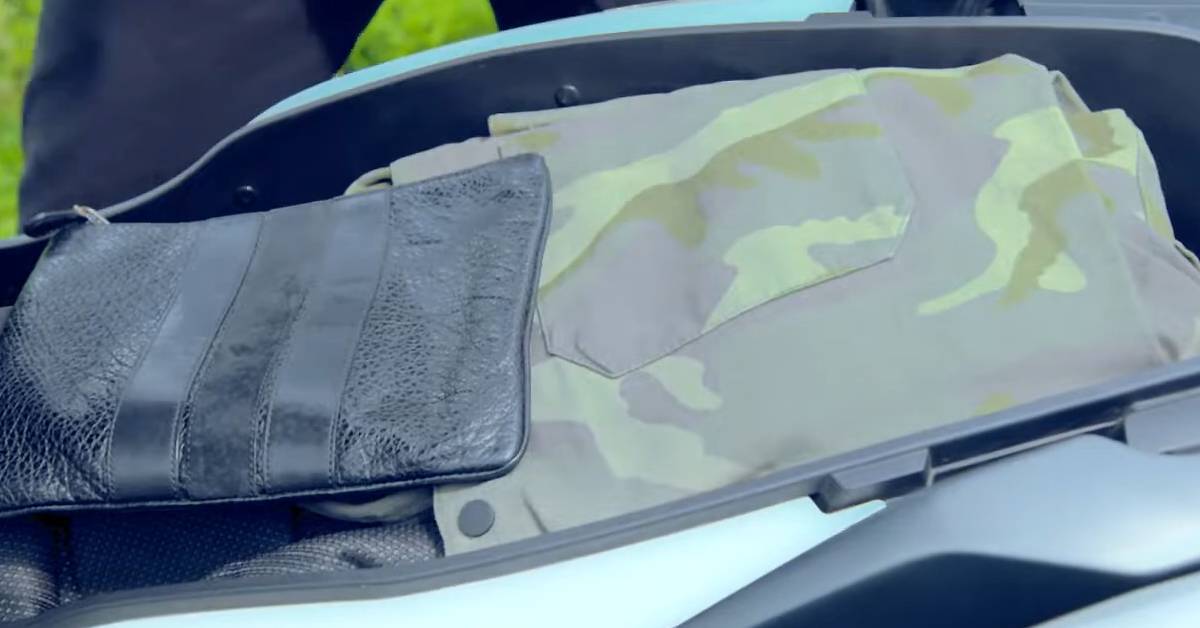
One of the first things you might need to figure out is how to access the storage under the seat.
Whether you want to stow your helmet, a raincoat for those unexpected tropical showers, or your souvenirs from a day trip, knowing how to open a Honda PCX seat is essential.
That's why we've put together this simple guide on how to open the Honda PCX seat, covering both the older and newer models you might encounter.

credit: YouTube - Welovehonda Indonesia
Don't worry, it's usually a straightforward process. Here’s a breakdown for both types:
If your rented Honda PCX still uses a physical key, here’s how to open Honda PCX seat on these models:
Step 1: Locate the Key Slot
The key slot for opening the seat on older PCX versions is typically located beneath the handlebars or on the side of the scooter, near the rear of the seat. Take a good look around the ignition switch area or the lower sides of the seat.
Step 2: Insert the Key
Take the physical key provided with your rental. Gently insert it into the designated key slot for the seat lock. Ensure the key is fully inserted.
Step 3: Turn the Key
Once the key is in, turn it clockwise. You might feel a slight resistance, and you should hear a soft "click" sound as the seat lock mechanism disengages. The amount you need to turn the key can vary, usually between 90 to 180 degrees.
Step 4: Lift the Seat
After turning the key and hearing the click, the seat should be unlocked. Manually lift the seat from the rear. It should pivot upwards, revealing the storage compartment underneath.
Sometimes, you might encounter a situation where the honda PCX key is not working to open the seat.
Double-check if you are using the correct key for the seat (some scooters have separate keys for ignition and the seat).
If it's still not working, don't force it, as you might damage the lock cylinder.
The newer Honda PCX models boast a convenient keyless system. Here’s how to open Honda PCX seat on these versions:
Step 1: Ensure the Key Fob is in Range
For the keyless system to work, the key fob or remote control needs to be within a certain range of the scooter, usually within a couple of meters. Make sure you have the key fob with you.
Step 2: Locate the Seat Open Button
On the newer Honda PCX, there's a dedicated button to open the seat. This button is usually located on the panel near the handlebars, often next to the fuel lid opener. Look for a button with a seat icon.
Step 3: Press the Seat Open Button
With the key fob in range, press the seat open button firmly. You should hear a "click" sound indicating that the seat has been released.
Step 4: Lift the Seat
Once you hear the click, the seat is unlocked. Gently lift the seat from the rear to access the under-seat storage.
In some cases, you might find the Honda PCX seat open button not working. First, ensure the key fob battery isn't low.
If the issue persists, there might be a temporary glitch in the system.
Try turning the scooter's main power off and then on again.
Read Also:
Comparing Yamaha NMAX and Honda PCX for Bali's Vibes
Is Honda PCX Good for Long Rides Across Bali's Area?
Honda PCX Average Fuel Consumption: A Real Test on Bali's Roads
While the standard methods are usually reliable, sometimes unforeseen issues can arise. Here's what to do in an emergency solution scenario:
If the keyless system isn't responding (perhaps the key fob battery is dead, or there's a system error), there's usually an emergency seat release mechanism.
Step 1: Locate the Emergency Key
When you rented your Honda PCX from Cinchy, you should have received a small, physical emergency key along with the main key fob. This key is crucial in such situations.
Step 2: Find the Emergency Compartment Cover
Look for a small cover, usually located near the keyless panel (where the seat and fuel buttons are). This cover protects the lock cylinder for the emergency key.
Step 3: Open the Emergency Compartment
Gently pry open this small cover to reveal the emergency key slot.
Step 4: Insert and Turn the Emergency Key
Insert the emergency key into the slot. Then, turn the key, usually downwards or counter-clockwise (refer to your scooter's manual if available, or contact Cinchy for guidance). You should feel the seat lock mechanism release.
Step 5: Lift the Seat
Once you've turned the emergency key, you can manually lift the seat to access the storage.
While Cinchy ensures all our scooters are in top condition, you might occasionally encounter a stuck seat. Here are a few general how to troubleshoot Honda PCX seat lock tips:
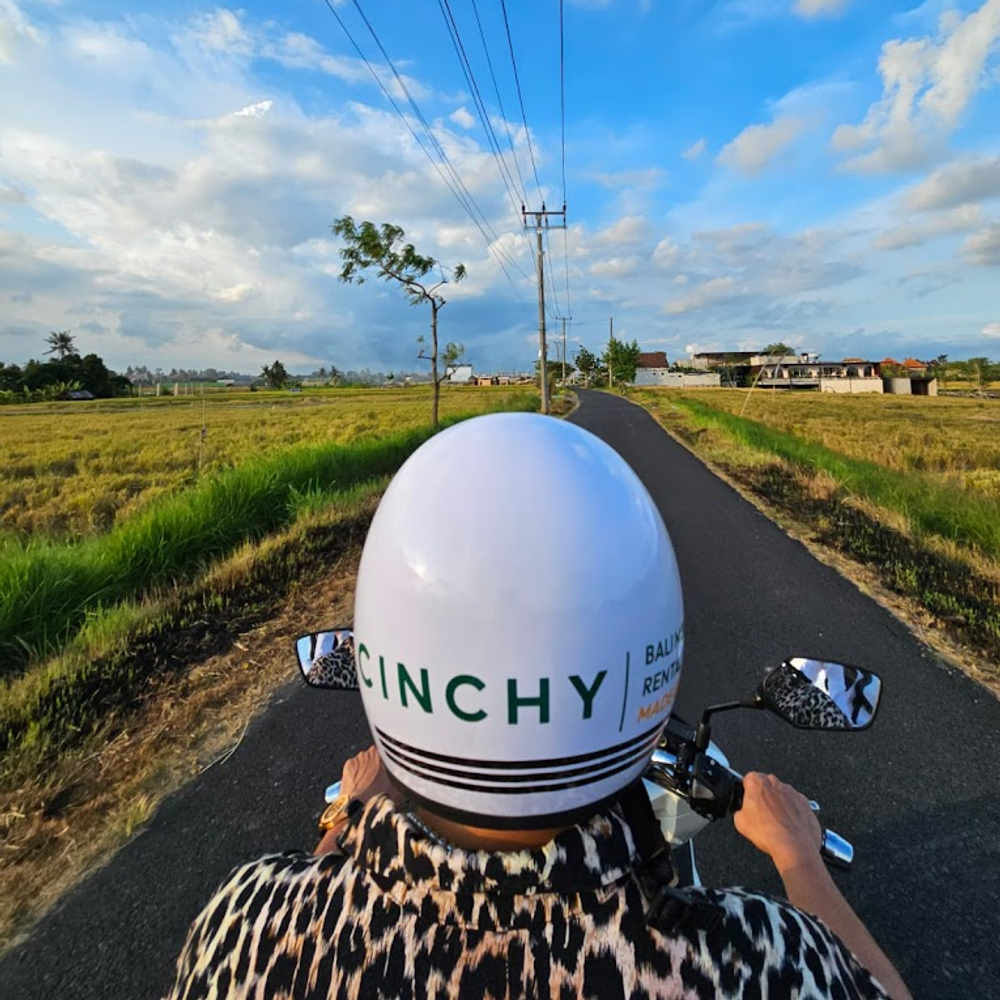
Explore Bali with scooter
We hope this guide on how to open a Honda PCX seat helps you navigate a common small challenge.
At Cinchy, we believe in providing not just scooters, but a complete, hassle-free experience.
When you rent from us, you get more than just a bike:
So, if you ever have questions or run into an issue—whether it's a stuck seat or anything else—our 24/7 service team is just a call away.
Happy riding, and enjoy the beauty of Bali!
 travel tips
 hidden gems
 scooter guides
 riding tips
 bali guides
 cultural insight